
CRM Software For Therapists And Private Practices
Therapists handle more than client sessions. They manage inquiries, appointments, intake forms, notes, billing, reminders, follow-ups, and private client records. When all of this sits across emails, spreadsheets, calendars, and payment tools, the practice becomes harder to manage.
That is where CRM Software for Therapists helps. It gives therapists and private practices one place to manage client relationships, communication, scheduling, records, payments, and daily admin tasks. For solo therapists, it can reduce repeated manual work. For group practices, it can help manage more clients, more clinicians, and more follow-ups without losing track of important details.
What Is CRM Software for Therapists?
CRM stands for Customer Relationship Management. For therapists, it means client relationship management software built around the way therapy practices work.
A therapy CRM can help manage:
Client inquiries
Intake forms
Appointment scheduling
Client profiles
Session notes
Billing and payments
Follow-up reminders
Secure communication
Client portal access
Referral tracking
Practice reports
Some therapy platforms work more like EHR or practice management systems. For example, SimplePractice describes its platform as HIPAA-compliant EHR and practice management software for therapists and health professionals, with support for scheduling, billing, and documentation.
CRM vs EHR vs Practice Management Software
Many therapists mix up CRM, EHR, and practice management software. They are connected, but not exactly the same.
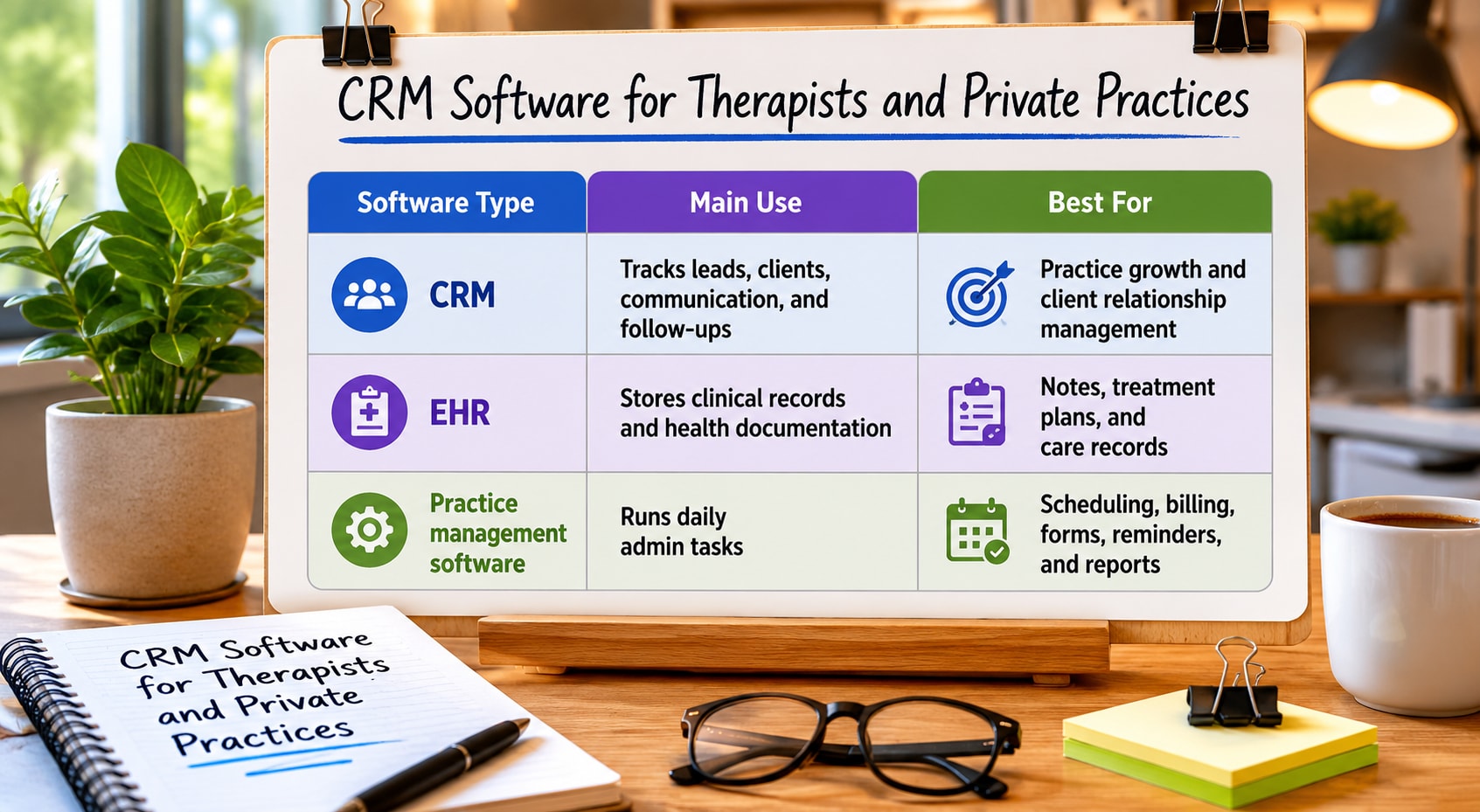
Software Type | Main Use | Best For |
|---|---|---|
CRM | Tracks leads, clients, communication, and follow-ups | Practice growth and client relationship management |
EHR | Stores clinical records and health documentation | Notes, treatment plans, and care records |
Practice management software | Runs daily admin tasks | Scheduling, billing, forms, reminders, and reports |
A therapist may need all three functions in one platform. Some tools offer them together. Others focus more on one area.
Why Therapists Need CRM Software
A private therapy practice can lose time and money through small admin gaps. Missed calls, slow follow-ups, no-show appointments, late payments, and scattered notes all create stress.
CRM Software for Therapists helps solve these common problems:
Missed client inquiries
Lost referral details
Delayed follow-ups
Manual appointment reminders
Scattered intake forms
Slow billing
Weak client history
Poor practice visibility
Too many disconnected tools
Zanda describes its therapy practice software as helping therapists manage scheduling, reminders, notes, billing, telehealth, and client management in a single platform.
Key Features of CRM Software for Therapists
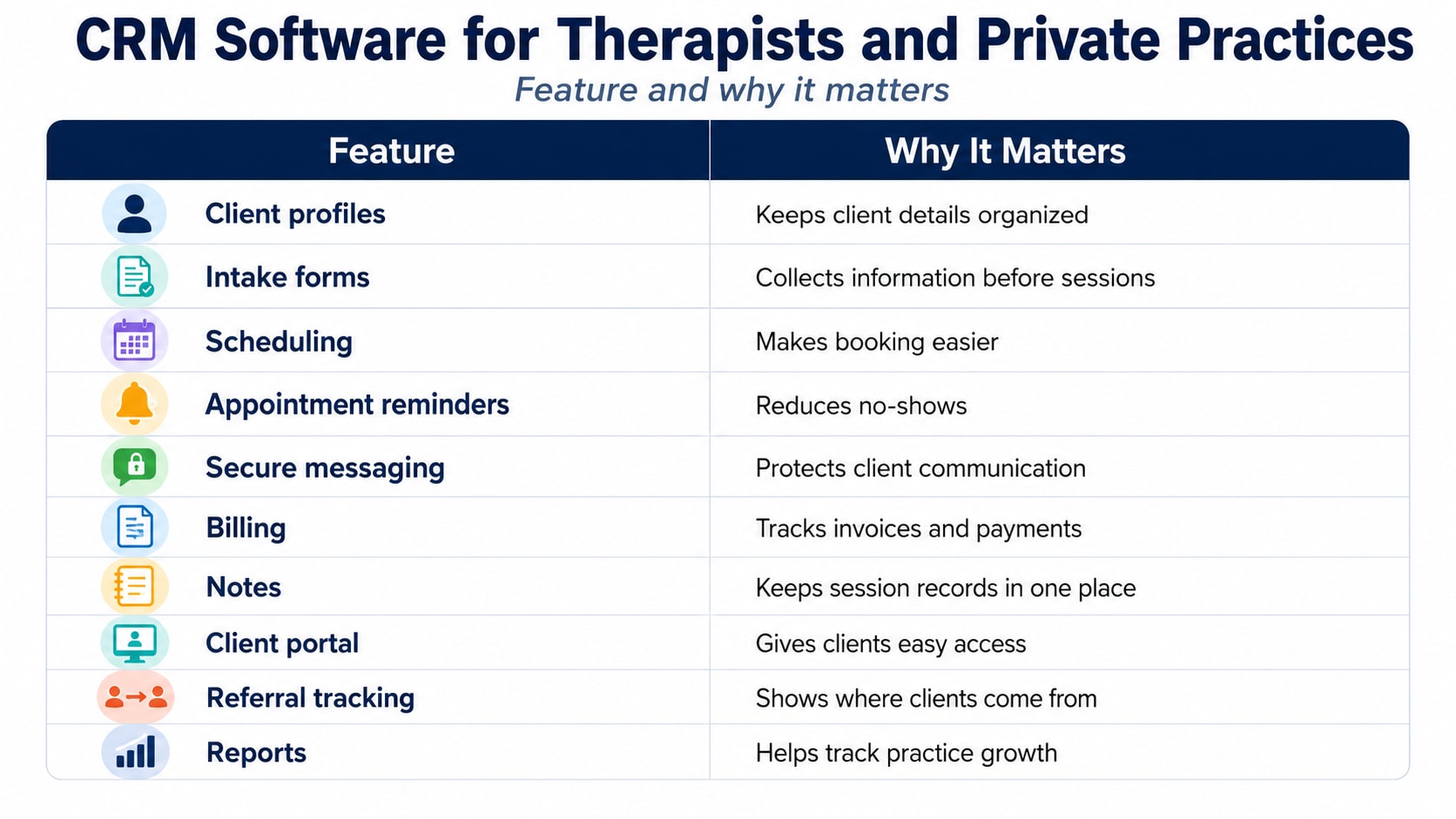
Feature | Why It Matters |
|---|---|
Client profiles | Keeps client details organized |
Intake forms | Collects information before sessions |
Scheduling | Makes booking easier |
Appointment reminders | Reduces no-shows |
Secure messaging | Protects client communication |
Billing | Tracks invoices and payments |
Notes | Keeps session records in one place |
Client portal | Gives clients easy access |
Referral tracking | Shows where clients come from |
Reports | Helps track practice growth |
1. Client Records in One Place
Therapists need quick access to client details, contact information, intake history, appointment status, payment records, and follow-up notes.
A CRM helps keep this information in one organized profile.
This can include:
Name and contact details
Appointment history
Referral source
Intake form status
Payment status
Communication history
Notes and documents
Consent forms
Follow-up reminders
This is better than searching through emails, paper folders, chat messages, and spreadsheets before each session.
2. Better Appointment Scheduling
Scheduling is one of the biggest daily tasks in a therapy practice. A CRM or therapy practice platform can make it easier for clients to book, reschedule, and receive reminders.
Scheduling tools may help with:
Online booking
Calendar sync
Session reminders
Recurring appointments
Cancellation tracking
Waitlist management
Clinician availability
Telehealth links
Therapy practice software often includes appointment scheduling, automated reminders, and client communication tools to reduce admin work and missed sessions.
3. Faster Intake Process
Client intake can take too long when forms are printed, emailed, or collected manually. CRM software can make intake smoother by sending forms before the first session.
A good intake flow may include:
Contact details
Medical history
Consent forms
Insurance information
Emergency contact
Therapy goals
Privacy acknowledgments
Payment details
This helps the therapist prepare before the session and reduces back-and-forth communication.
4. Easier Follow-Ups
Follow-ups matter in therapy practices. A person may fill out a contact form, ask about availability, or request pricing, but not book right away. Without tracking, that lead can disappear.
A CRM can help therapists:
Track new inquiries
Set follow-up reminders
Send appointment confirmations
Manage waitlists
Track inactive clients
Follow up after missed appointments
Record referral sources
This is one of the biggest reasons a therapist may need a CRM rather than just an EHR.
5. Billing and Payments
Billing can quickly become messy when payments, invoices, insurance claims, and receipts are handled manually.
Therapy CRM or practice management software can help with:
Invoices
Online payments
Payment reminders
Receipts
Insurance billing
Outstanding balances
Payment reports
Client billing history
Many therapy practice tools include billing, online payments, and insurance claim support as part of the platform.
6. Secure Client Communication
Therapists deal with sensitive client information. Regular email, text messages, and open spreadsheets may create privacy risks if used carelessly.
A good platform should support secure communication, role-based access, and safe storage of client data.
HIPAA Journal notes that therapy practice management software should be configured with workflows that keep protected health information within controlled systems rather than spreading it across untracked email, spreadsheets, or consumer messaging tools.
7. Client Portal Access
A client portal gives clients a private place to complete forms, check appointments, make payments, and access practice documents.
A client portal can help with:
Intake forms
Consent forms
Appointment details
Secure messages
Payment links
Documents
Telehealth access
For therapists, this reduces repeated admin tasks. For clients, it makes the process feel more organized.
8. Reports for Practice Growth
Therapists need clear reports to understand how the practice is performing.
CRM reports may show:
New client inquiries
Booked appointments
Canceled sessions
No-show rate
Referral sources
Revenue trends
Outstanding payments
Client retention
Clinician workload
For group practices, reports can show which clinicians are booked, where clients are coming from, and which services are growing.
Benefits of CRM Software for Therapists
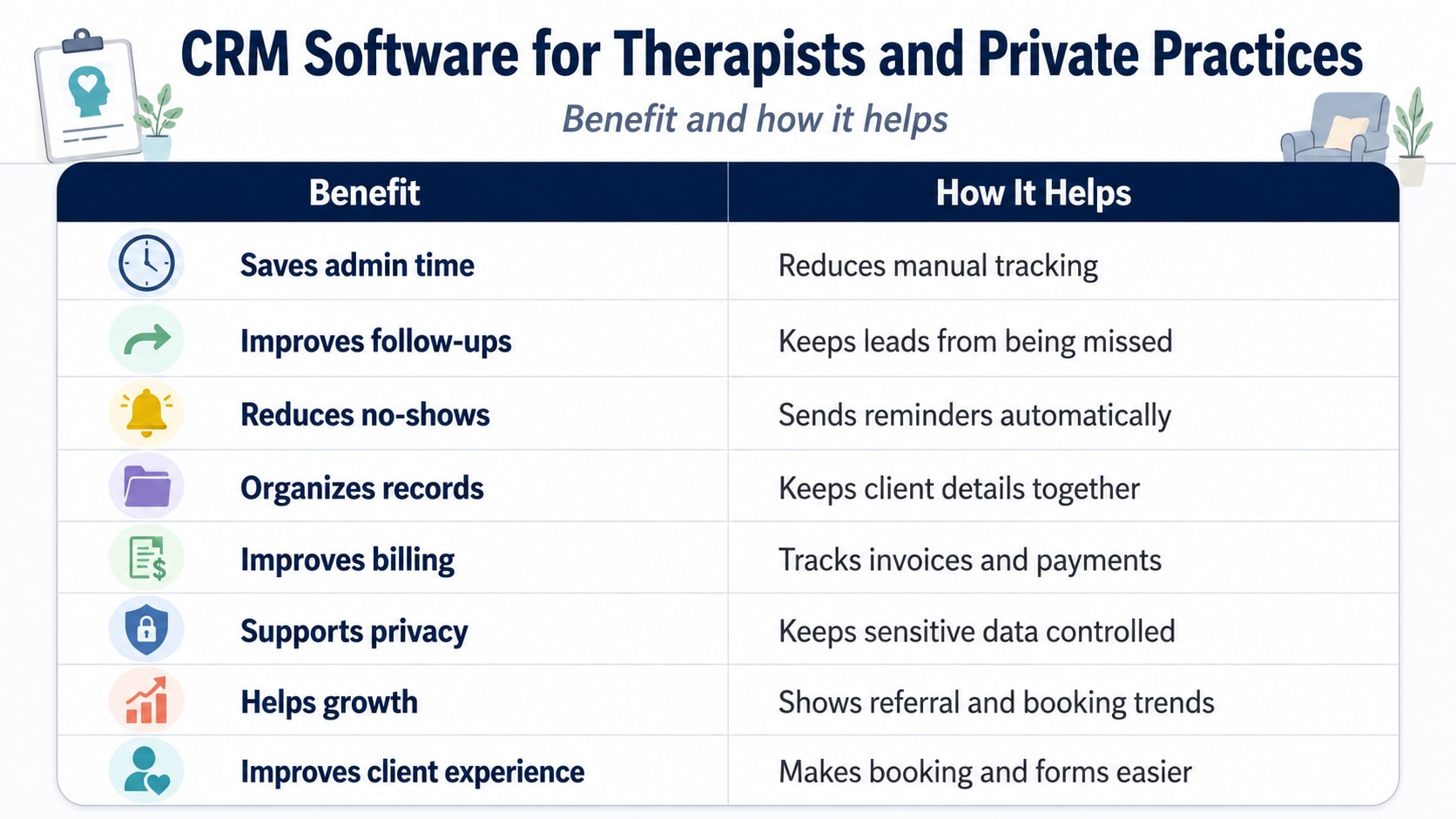
Benefit | How It Helps |
|---|---|
Saves admin time | Reduces manual tracking |
Improves follow-ups | Keeps leads from being missed |
Reduces no-shows | Sends reminders automatically |
Organizes records | Keeps client details together |
Improves billing | Tracks invoices and payments |
Supports privacy | Keeps sensitive data controlled |
Helps growth | Shows referral and booking trends |
Improves client experience | Makes booking and forms easier |
Best Use Cases for Private Practices
CRM Software for Therapists is useful for many types of private practices.
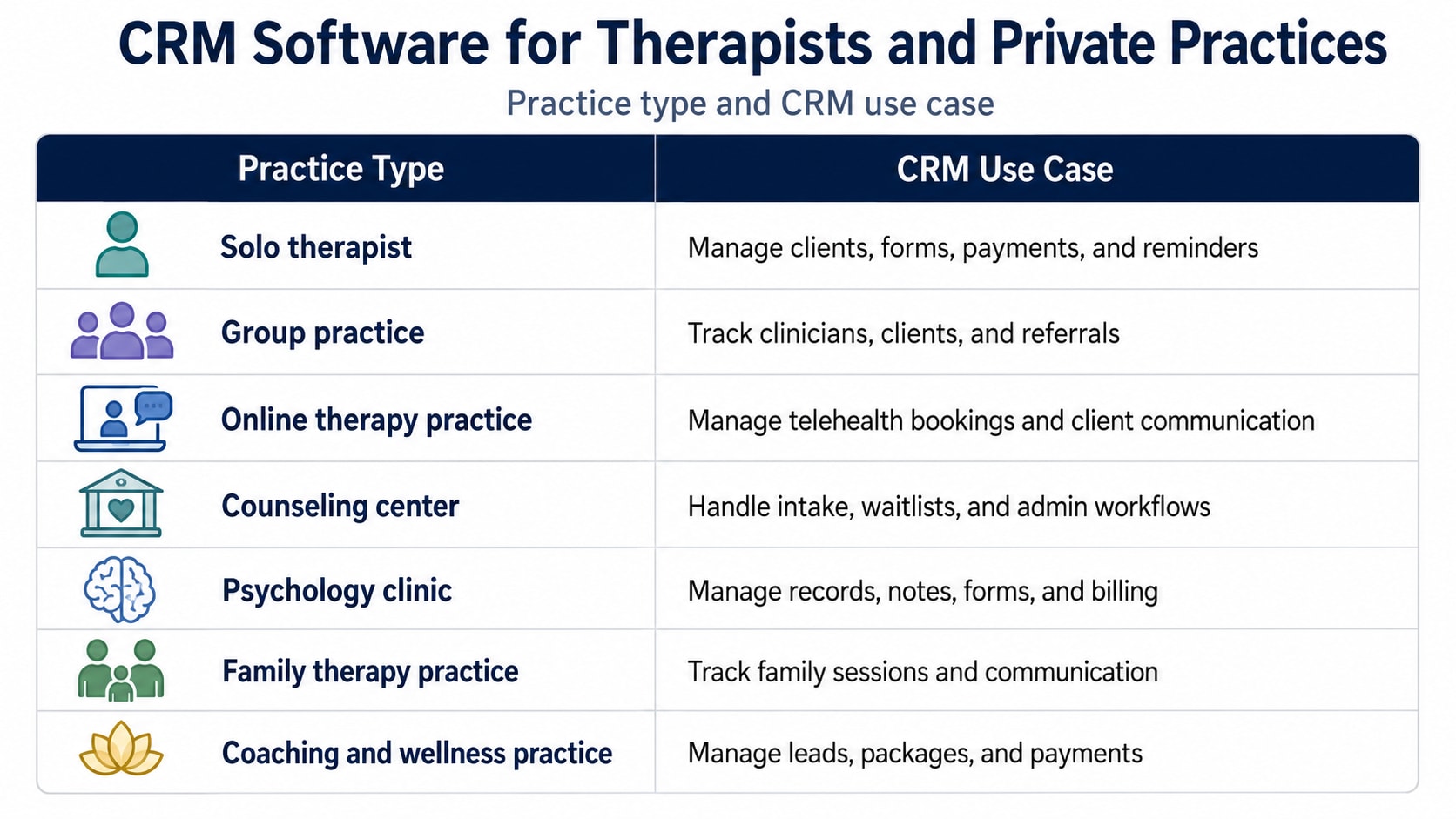
Practice Type | CRM Use Case |
|---|---|
Solo therapist | Manage clients, forms, payments, and reminders |
Group practice | Track clinicians, clients, and referrals |
Online therapy practice | Manage telehealth bookings and client communication |
Counseling center | Handle intake, waitlists, and admin workflows |
Psychology clinic | Manage records, notes, forms, and billing |
Family therapy practice | Track family sessions and communication |
Coaching and wellness practice | Manage leads, packages, and payments |
What to Look for in CRM Software for Therapists
Do not choose a CRM only because it has a long feature list. Choose software that fits how your practice actually works.
Look for:
Easy client management
Secure client portal
Appointment scheduling
Automated reminders
Intake form support
Billing and payments
Notes and document storage
HIPAA-ready features
Role-based access
Simple reports
Mobile access
Telehealth support
Calendar integration
Good customer support
A platform like TherapyNotes positions itself as a complete practice management system for managing patient records, appointments, remote sessions, and related practice tasks.
CRM Software for Therapists vs General CRM
Some therapists ask whether they can use general CRM tools like HubSpot, Zoho, or Pipedrive.
The answer depends on the use case.
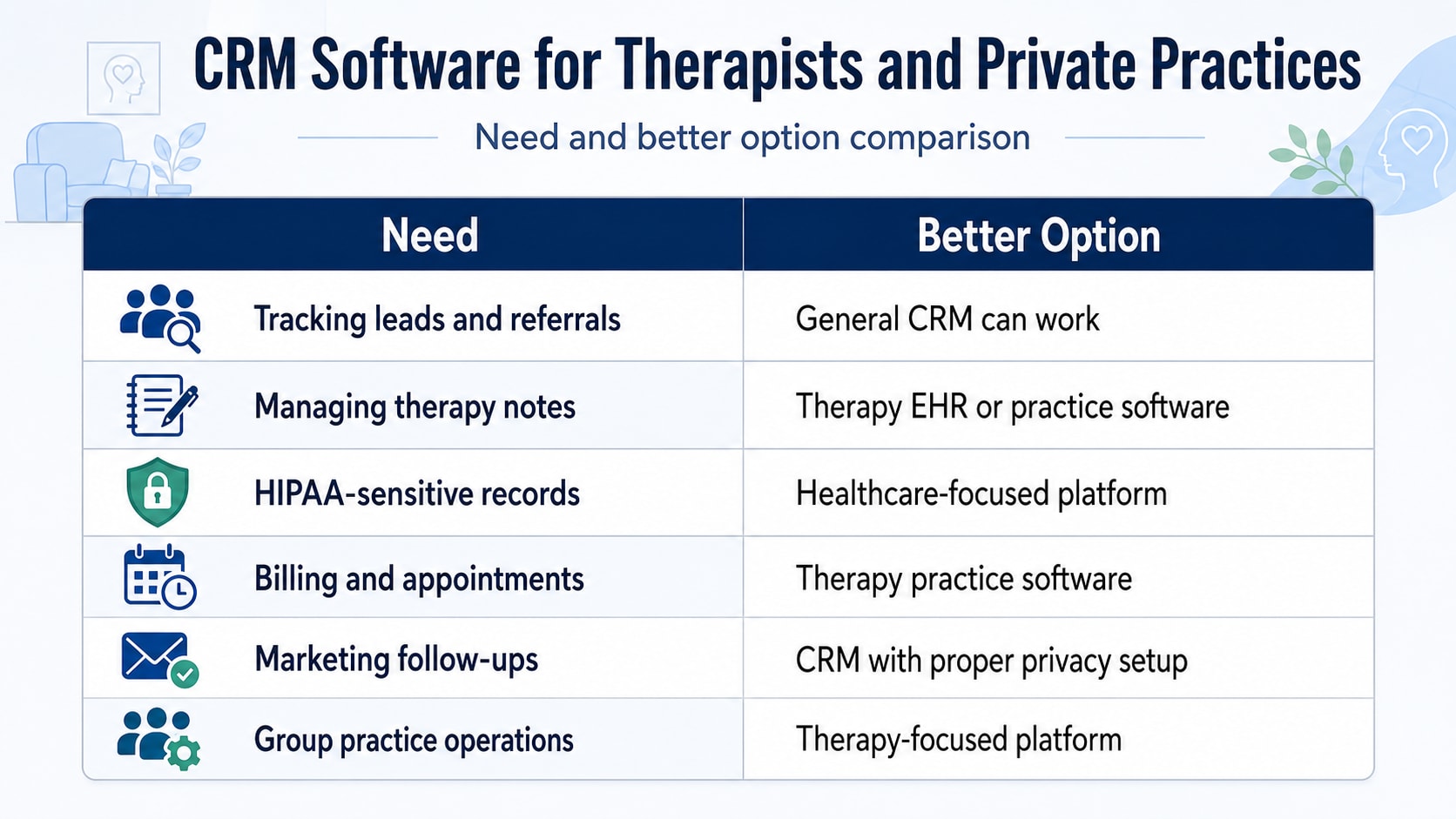
Need | Better Option |
|---|---|
Tracking leads and referrals | General CRM can work |
Managing therapy notes | Therapy EHR or practice software |
HIPAA-sensitive records | Healthcare-focused platform |
Billing and appointments | Therapy practice software |
Marketing follow-ups | CRM with proper privacy setup |
Group practice operations | Therapy-focused platform |
A general CRM may help with lead tracking and referral management, but it should not be used carelessly for sensitive clinical records. For therapy notes, billing, and protected health data, a healthcare-focused platform is usually safer.
Common Mistakes Therapists Make
Many therapists choose software too quickly or keep using manual systems for too long.
Avoid these mistakes:
Using regular spreadsheets for client records
Storing sensitive notes in unsafe tools
Forgetting follow-ups
Not tracking referral sources
Using too many disconnected platforms
Choosing software without testing forms
Ignoring billing features
Not checking privacy settings
Not training staff
Picking tools that clients find hard to use
The best CRM is the one that makes the practice easier to run, not harder.
How to Choose the Right CRM
Use this checklist before choosing therapy CRM Software For Therapists
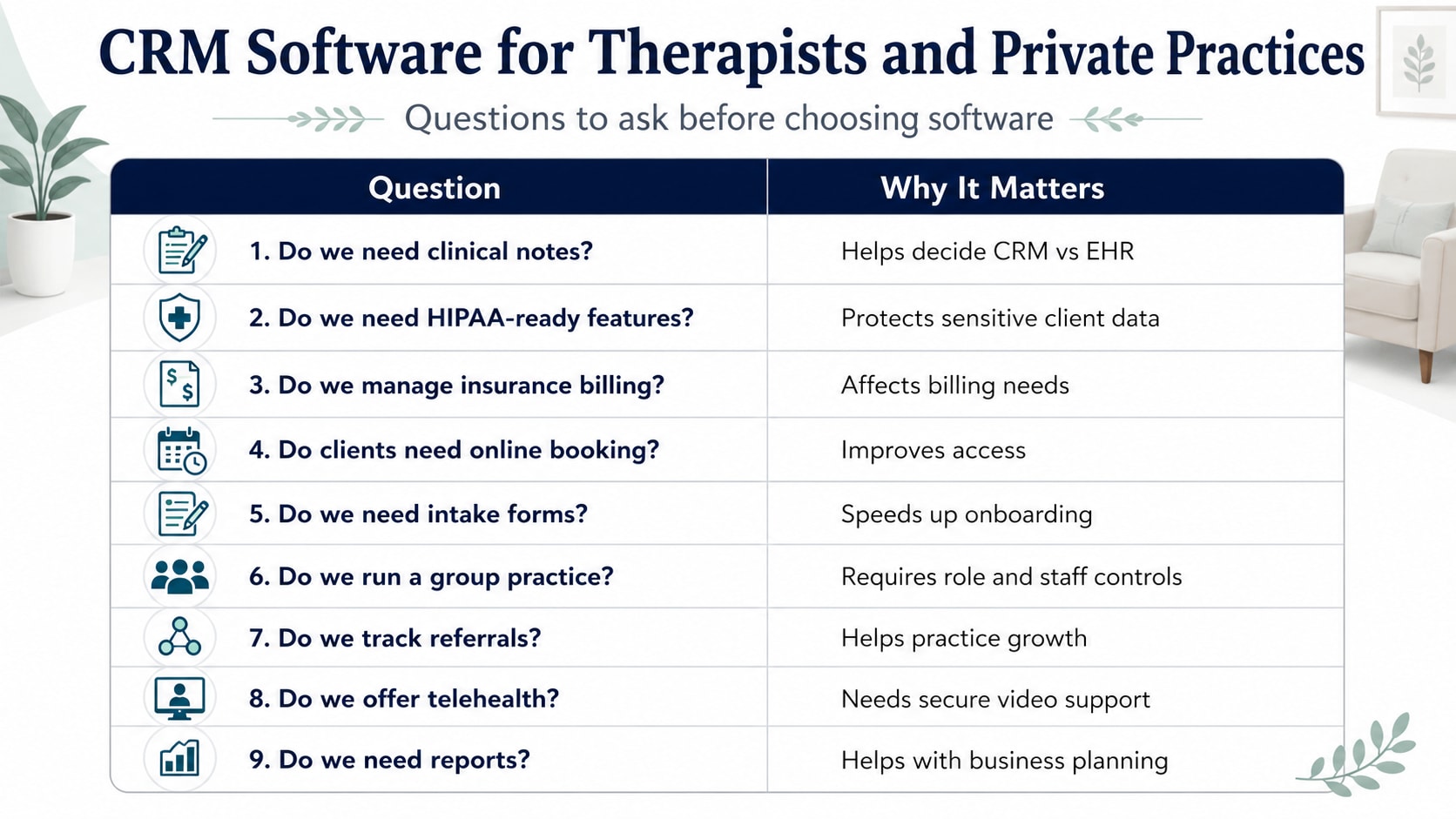
Question | Why It Matters |
|---|---|
Do we need clinical notes? | Helps decide CRM vs EHR |
Do we need HIPAA-ready features? | Protects sensitive client data |
Do we manage insurance billing? | Affects billing needs |
Do clients need online booking? | Improves access |
Do we need intake forms? | Speeds up onboarding |
Do we run a group practice? | Requires role and staff controls |
Do we track referrals? | Helps practice growth |
Do we offer telehealth? | Needs secure video support |
Do we need reports? | Helps with business planning |
CRM Software For Therapists and Private Practice Growth
A therapy practice grows when the client experience is smooth, and the admin work is controlled.
A CRM helps private practices respond faster, follow up better, reduce missed appointments, and understand where clients come from.
For example, if most clients come from referrals, reports can show which referral partners are sending the best leads. If no-shows are rising, reminders and booking policies can be improved. If new inquiries are not booking, the intake process may need work.
That is how CRM software moves from being an admin tool to a practice growth tool.
What is CRM software for therapists?
CRM software for therapists is a client management system that helps therapists track inquiries, client details, appointments, intake forms, billing, follow-ups, and communication in one place.
Do therapists need CRM software?
Yes, therapists can benefit from CRM software if they manage client inquiries, bookings, reminders, payments, referral sources, and follow-ups manually.
Is CRM software the same as EHR?
No. A CRM manages client relationships, leads, communication, and follow-ups. An EHR stores clinical records, notes, treatment plans, and health documentation.
What features should a therapist CRM have?
A therapist CRM should include client profiles, intake forms, scheduling, reminders, secure messaging, billing, notes, client portal, referral tracking, and reports.
Is CRM software useful for solo therapists?
Yes. Solo therapists can use CRM software to reduce admin work, manage appointments, track payments, organize client records, and improve follow-ups.
Can CRM software reduce no-shows?
Yes. CRM software can reduce no-shows by sending appointment reminders, confirmation messages, and rescheduling links.
Can therapists use a general CRM?
Therapists can use a general CRM for leads and referrals, but sensitive clinical data should be handled through secure healthcare-focused systems with proper privacy controls.
What is the best CRM for private practices?
The best CRM for private practices depends on the workflow. A solo therapist may need simple scheduling and billing, while a group practice may need staff controls, reports, portals, and referral tracking.
Does therapy CRM software help with billing?
Yes. Many therapy CRM or practice management tools include invoicing, online payments, insurance billing, receipts, and payment tracking.
Is client data safe in therapy CRM software?
Client data can be safer when the platform has secure storage, access controls, audit logs, and healthcare privacy features. Therapists should review security and compliance settings before use.
Related Posts

Why Therapists Need A HIPAA-Compliant CRM In 2026
Learn why a HIPAA-compliant CRM for therapists is essential. Protect patient data, streamline workflows, and improve practice efficiency safely and securely.

The Importance Of A HIPAA-Compliant CRM For Therapists
Discover why a HIPAA-compliant CRM for therapists is essential. Protect client data, streamline scheduling, billing, and enhance practice efficiency securely.